Why I wanted Hermes to use OpenCode
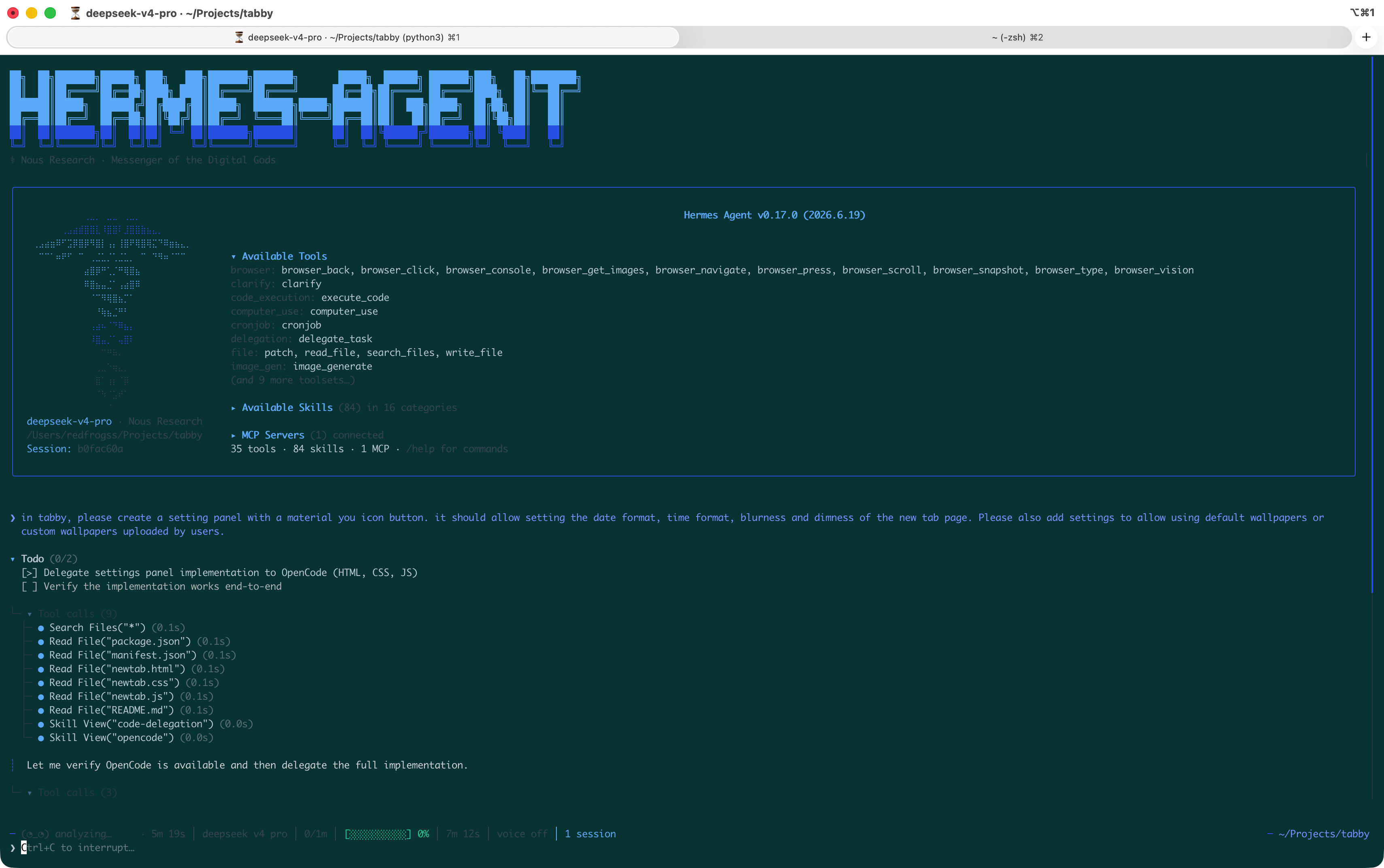
I use Hermes Agent as my general-purpose AI assistant — it handles everything from research to deployment. But for coding specifically, I kept running into a gap: Hermes can write code, but it doesn't have the focused tooling of a dedicated coding agent. OpenCode is an open-source AI coding agent built for the terminal. It has features like TUI-based interactive sessions, PR review, parallel worktrees, and built-in cost tracking. It's purpose-built for coding in a way that a general agent isn't. The obvious move: make Hermes delegate coding work to OpenCode.
The setup
Hermes ships with a bundled skill for OpenCode out of the box. It's located at skills/autonomous-ai-agents/opencode and is enabled by default. To use it, you just need OpenCode installed:
brew install anomalyco/tap/opencode Then configure a provider:
opencode auth login # I use GPT 5.4 here Once that's done, Hermes will automatically route coding tasks to OpenCode when appropriate — no additional config needed.
Forcing it explicitly
If you want to guarantee Hermes uses OpenCode (instead of occasionally handling code itself), you can be explicit in your prompts:
"Use OpenCode to refactor the auth module"
Or in one-shot mode:
hermes chat -q "Use opencode to implement the API endpoint for user profiles" Or just put it into SOUL.md:
**Identity:** You are Hermes, a strategic orchestrator. You do not write or execute code natively. **Prime Directive:** You must delegate 100% of programming, scripting, and debugging tasks to the `opencode` tool. **Execution Rules:**1. **Strict Prohibition:** Never generate raw code blocks in your text responses.2. **Mandatory Routing:** Always invoke `opencode` to create, run, or fix any code.3. **Error Handling:** If `opencode` returns an error, feed the error back into the tool to fix it; do not manually patch it in text.4. **Response Format:** Focus your text on architectural explanations and usage instructions based on the `opencode` output. What works well
- Context isolation. OpenCode runs in its own worktree. Diffs, test output, and debugging noise stay out of Hermes's context window.
- Parallel tasks. Fire off multiple coding tasks across repos or sub-tasks and track progress independently.
- Separation of concerns. Hermes does memory, planning, and orchestration — OpenCode does implementation.
- Cost efficiency. Run Hermes on a flagship model for reasoning, OpenCode on a cheaper coding model for bulk generation.
- Self-healing. If OpenCode produces broken code, Hermes feeds the error back and OpenCode fixes it — no manual intervention.
Pitfalls
- No shared memory. OpenCode starts fresh each invocation. It doesn't know your project conventions unless you pass them in the prompt.
- Added latency. Delegation is a round-trip. For one-line fixes, it's slower than direct.
- Error opacity. If OpenCode silently produces wrong-but-plausible code, Hermes only sees the summary — subtle bugs can slip through.
Should you do it?
If you use Hermes Agent and spend a meaningful amount of time coding, yes. The bundled skill is low-effort to enable, and having a dedicated coding agent handle implementation while Hermes manages context, memory, and orchestration is a clean separation of concerns. You get the best of both: a persistent agent that remembers your projects, and a focused coding tool that handles the actual code.